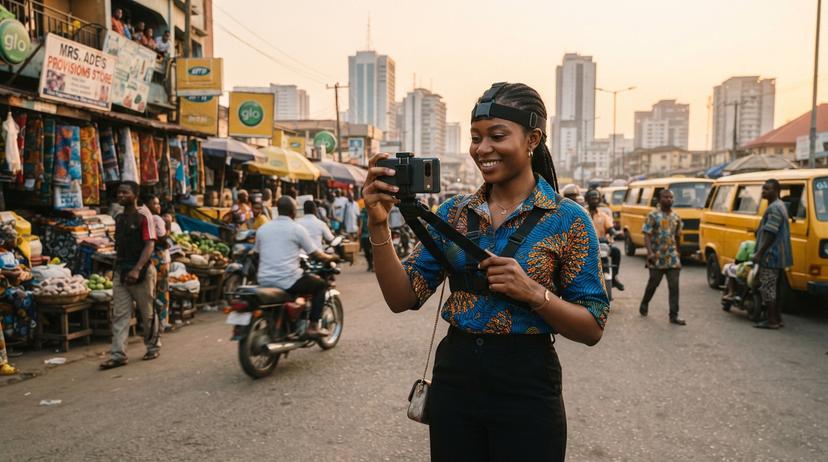
How to Record Clear Hand Movements for AI Video Datasets
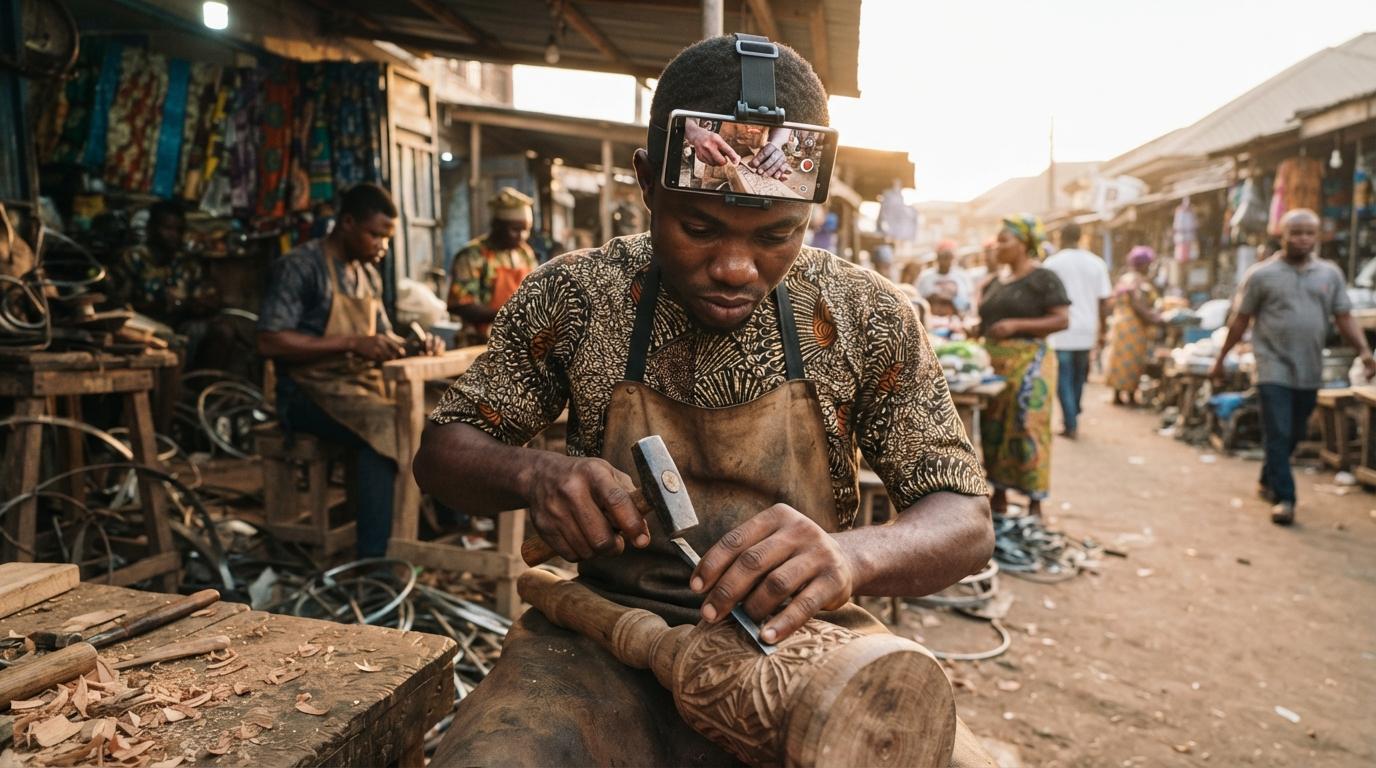
AI models, especially those for robotics and embodied AI, need to understand human actions. This often means training them on clear, detailed video of hands performing tasks. If you're a Nigerian artisan, mechanic, cook, or anyone with a skilled trade, your work can help build these models. This guide explains how to record your hand movements so they are useful for AI training.
Overview & Key Takeaways
Learn how to capture high-quality video of hand movements for AI training data. This guide covers essential setup, recording techniques, and common pitfalls to avoid, ensuring your contributions are valuable for AI development.
- Use a head-mounted phone for a stable, first-person view of your hands.
- Ensure good lighting and a clean workspace to make hand movements visible.
- Keep your hands and the task area clearly within the camera's frame.
- Record at a sufficient frame rate to capture fast movements accurately.
- Avoid sudden, jerky movements or covering the camera lens.
Why Clear Hand Movement Videos Matter for AI
AI systems that interact with the physical world, like robots or virtual assistants, need to understand how humans perform tasks. This understanding comes from data. For robots that need to grasp objects or perform complex manipulations, videos showing precise hand movements are crucial. These videos teach AI about dexterity, object interaction, and sequences of actions. The goal is to create AI that can work alongside humans or perform tasks autonomously. Companies developing these AI systems need large datasets of real-world human activity. This is where contributors in Nigeria can play a vital role, by providing authentic recordings of their skilled work. You can learn more about this opportunity in How Nigerian Artisans Can Earn From First-Person Video of Their Trade.

Setting Up Your Recording Environment
To capture clear hand movements, your recording setup is key. A stable, first-person perspective is usually best for AI training data, especially for robotics. This is why a head-mounted phone, often called an 'egocentric' or 'first-person' camera setup, is preferred. It keeps the camera steady and ensures your hands are always in view, just as you see them. You can find details on what's needed in What Is a Head-Mounted Phone Recording, and Why Do AI Companies Want It?. Good lighting is also critical. Natural light is often best, so try to record near a window. If natural light isn't enough, use a desk lamp or other steady light source to illuminate your hands and the task area. Avoid flickering lights, as they can make video analysis difficult. Keep your workspace tidy and free of clutter. This helps the AI focus on the specific actions you are performing, not distractions. For example, a phone repairer in Computer Village should ensure their workbench is clear of unnecessary tools or parts.
Recording Techniques for Precise Hand Data
When you start recording, focus on performing your tasks naturally but deliberately. The AI needs to see your movements clearly. This means avoiding rapid, jerky motions that can blur the video. If you're a tailor, for instance, show each step of cutting fabric or stitching with smooth, controlled movements. When handling objects, ensure your hands are fully visible. Don't let your fingers obscure the object or the action. For tasks involving small parts, like a phone repairer working on a circuit board, try to get as close as possible while keeping the part and your hands in focus. If you're cooking, clearly show the chopping, stirring, or plating actions. The camera should capture the entire hand, from wrist to fingertips, as it interacts with the task. Every movement, no matter how small, can be important for the AI. Make sure the phone's lens is clean before you start recording. A smudged lens will blur everything. If your phone has image stabilization, make sure it's turned on to reduce camera shake. Recording at a decent frame rate, like 30 frames per second, helps capture smoother motion.

Common Mistakes to Avoid
Several common mistakes can reduce the usefulness of your recordings. One is covering the camera lens with your hand or other objects, even momentarily. This creates black frames or obscured video that AI systems cannot process. Another mistake is holding the phone too close or too far away. The ideal distance will keep your hands and the task area in clear focus, filling a good portion of the frame without being too close to cause distortion. If you're recording a conversation or a trade that involves others, ensure everyone consents. For hand-movement recordings, focus on your own actions. Bystanders' faces should be blurred for privacy. Also, avoid moving the camera unnecessarily. The head-mounted setup should keep the perspective consistent. If you're not using a head mount, try to keep the phone as still as possible, perhaps propped up securely. Finally, remember to upload your recordings over Wi-Fi whenever possible. Large video files can consume a lot of data. You can read more about this in Uploading AI Recordings Without Finishing Your Mobile Data.
The Role of Review in Ensuring Data Quality
Not all recorded minutes are approved for AI training. TrustAm has a review process to ensure the data is high quality and meets buyer specifications. Reviewers check for clarity, completeness, and accuracy. They look for issues like poor lighting, blurred footage, or missed hand movements. Minutes that don't pass review are cut, and contributors are paid only for approved minutes. Understanding this process can help you record better data. For instance, if you know that obscured hands or poor lighting lead to cuts, you'll pay more attention to these details. This is explained further in How Review Works for AI Recording Work: Why Some Minutes Get Cut. The goal is to provide AI developers with data that truly represents real-world tasks. Accurate, clear recordings of hand movements are essential for building AI that can understand and perform complex actions, benefiting everything from manufacturing to healthcare.
Frequently Asked Questions
What kind of phone do I need to record video for AI?
Will I be paid for all the minutes I record?
How do I ensure my hands are clearly visible?
What are common reasons for recordings to be rejected?
Is this a legitimate way to earn money in Nigeria?
Need AI training data from Nigeria?
Egocentric video of skilled work and Nigerian-language speech, collected to order. Email [email protected] or request a free 10-hour sample; a person replies within one working day.
Founder and CEO of TrustAm. Building Nigeria's reputation marketplace for verified service providers. Reviews unlock only after real payments.
Disclosure: This article is published by TrustAm Data, part of TrustAm Limited. Links to /data pages are our own data service.
Sources & References
- Nigeria Data Protection Commission (NDPC)— ndpc.gov.ng
- National Artificial Intelligence Strategy (NCAIR/NITDA)— ncair.nitda.gov.ng
- Ego4D: Around the World in 3,000 Hours of Egocentric Video (arXiv)— arxiv.org